Staff rotas for cafes, shops and small venues
Rotaloop drafts the week from your team's availability and handles the swaps.
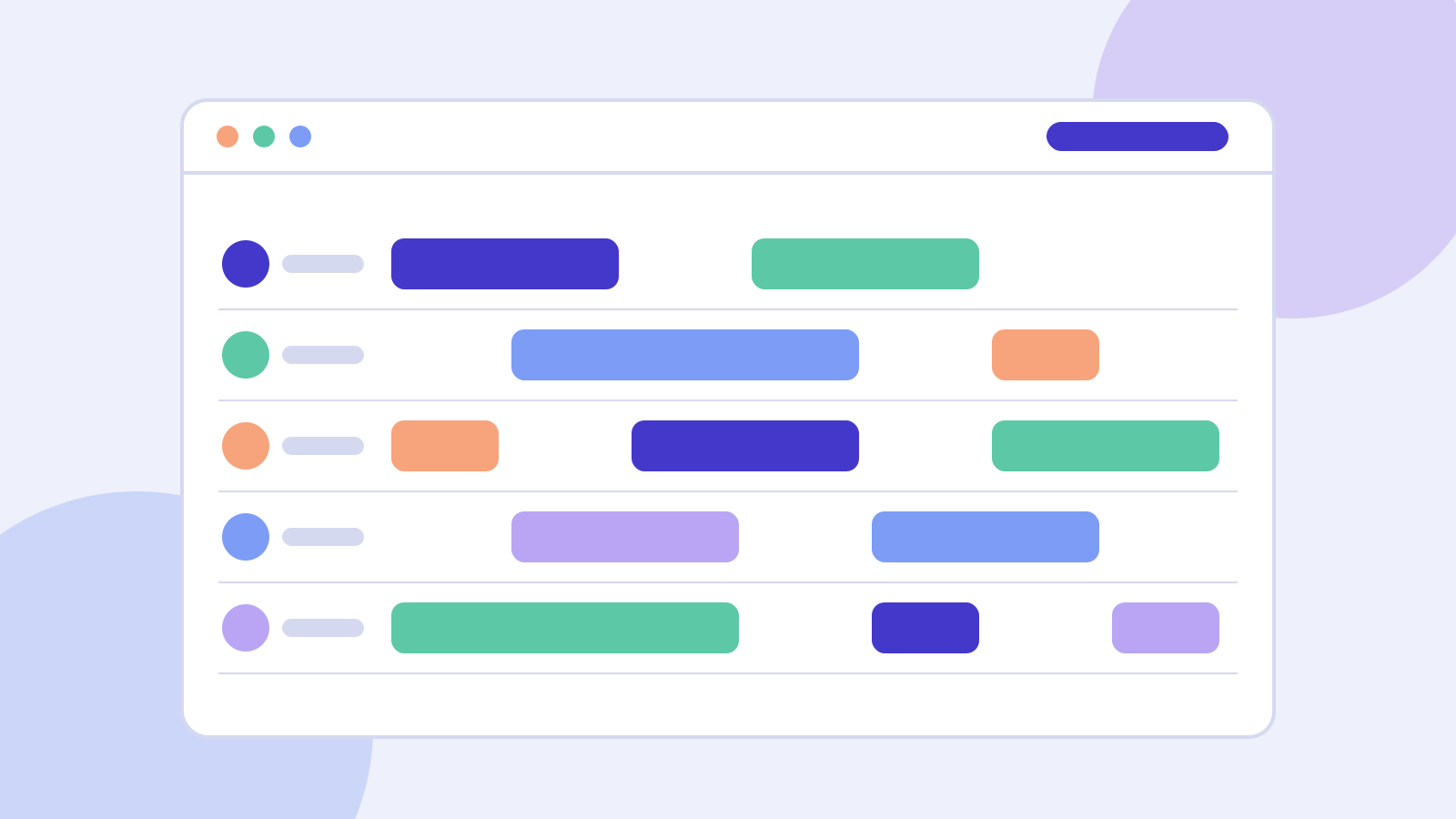
Rota done in three steps
Add your team
Paste names and numbers. Each person sets their own hours from their phone.
Fill the week
Say how many people each shift needs. Rotaloop drafts a fair rota; drag anything you want to change.
Publish and relax
Everyone gets their shifts by text. Swaps go to free colleagues; you just approve.
Sunday night used to be two hours of rota and apologies. Now it is ten minutes.
Leila M., owner of a twelve-seat coffee bar
Only what a small team needs
Availability that stays current
Staff update their own hours and holidays, so the draft rota is right the first time.
Swaps without the back and forth
A shift someone cannot work is offered only to people who are free and trained for it.
Fair by default
Weekends, closes and early starts are shared out evenly, and you can see the count for each person.
Hours and wage cost as you go
A running total for the week sits beside the rota, so you know the cost before you publish.
Built by people who wrote the rota
Rotaloop started in the back office of a cafe with fourteen staff and one very long spreadsheet. We are a team of four: no sales call, no contract, and a real person answers the email.
Simple pricing
Every plan starts with 30 days free. No card needed until you decide to stay.
Starter
£0per month
For a team of up to five.
- One location
- Weekly rota and text reminders
- Shift swaps
Team
£19per month
For most cafes and shops.
- Up to 25 staff
- Fair-share drafting
- Hours and wage cost
- Payroll export
Multi-site
£49per month
For two or more locations.
- Unlimited staff
- Staff shared across sites
- Manager roles
- Priority email support
Questions
Do my staff need to install anything?
No. They get a text with a link to their shifts, and it opens in the phone's browser. There is nothing to download and no password to remember.
What happens after the 30 days?
If you have five or fewer staff you stay on Starter for free. Otherwise you choose a plan, or your account is paused and nothing is deleted for 90 days.
Can I still change the rota by hand?
Yes. The draft is a starting point. Drag shifts between people, add or remove them, and publish when it looks right.
Who pays for the text messages?
We do. Texts to UK numbers are included in every plan, with a fair-use limit of ten per person per week.
Try it on next week's rota
Set up takes ten minutes and the first 30 days are free.